隐私优先
从设计上保护隐私
选择文件,即可在浏览器中完成转换。无需上传文件。
每项 MIDI 任务,一键完成
为重视结果、不想填写注册表单的音乐人打造。
隐私优先
选择文件,即可在浏览器中完成转换。无需上传文件。
永久免费起步
无需注册或信用卡,30 秒内即可获得你的第一个 MIDI。
完整工具箱
转换器、生成器、播放器、编辑器、可视化器,一站齐备。
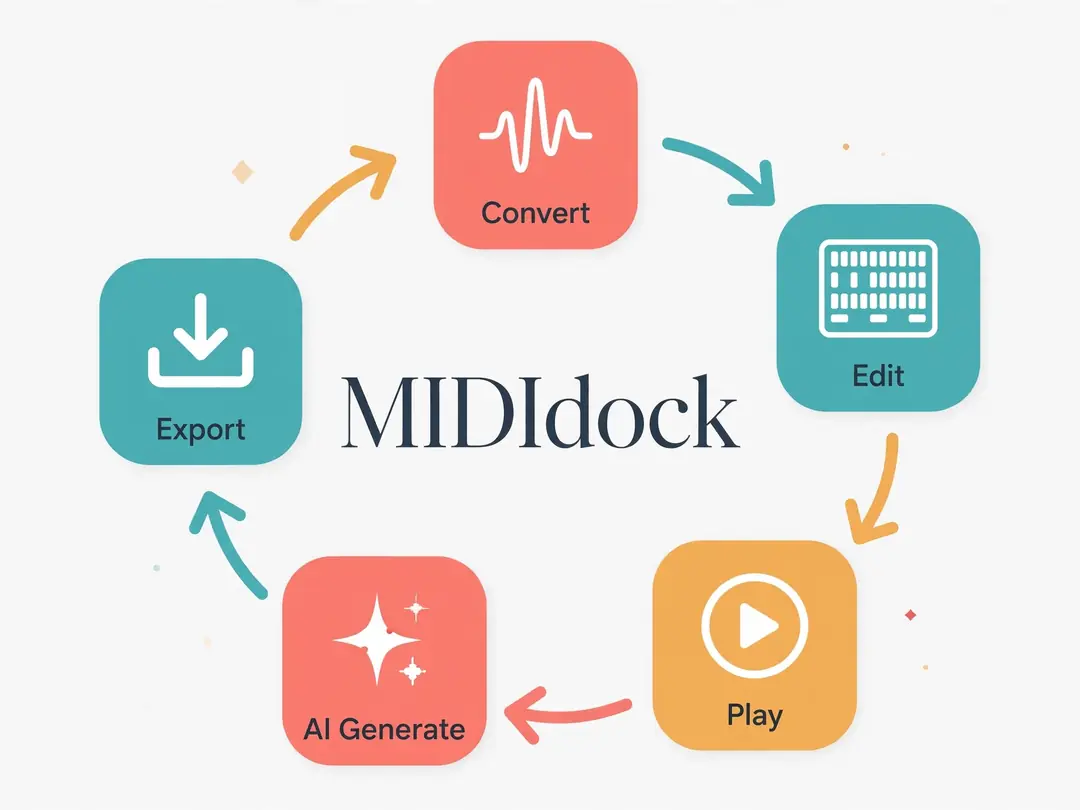
MIDIdock is an all-in-one online suite for MIDI creators: convert any audio into editable MIDI, generate new ideas with AI, then play, visualize, and edit everything — right in your browser.
MP3, WAV, humming, or sheet music → editable MIDI.
Full piano-roll editor. No install, no upload.
Text prompts become MIDI you can actually edit.
Everything you need for MIDI conversion, creation, and editing.
Pitch-tracking engine turns recordings into clean, editable notes.
Add, move, and quantize notes with a full in-browser editor.
Turn text prompts into editable MIDI in seconds.
Piano-roll and video visuals for any MIDI file.
Export MIDI, WAV, or MP3 with full control.
Local processing in your browser. No uploads.
From bedroom producers to working composers, creators turn to MIDIdock for fast, free, in-browser MIDI tools.
Turn MP3, WAV, humming, or sheet music into editable MIDI. One upload, endless possibilities.
Piano-roll editing, quantization, and velocity control — no install, right in your browser.
Describe your idea in words and get editable MIDI back in seconds.
Watch your MIDI come alive as piano-roll video, then export MIDI, WAV, or MP3.
Music Producer
I dropped in a rough piano recording and had an editable MIDI track in minutes. Fixing notes afterward was much faster than recreating the part by hand.
Songwriter
I usually lose ideas after recording a quick voice memo. Turning a melody into MIDI gives me something I can actually keep editing.
Beatmaker
Being able to turn audio into MIDI and immediately tweak the notes makes sampling ideas much more flexible.
YouTube Creator
The MIDI visualizer saves me from moving files between several tools just to make a simple piano-roll video.
Composer
The text-to-MIDI tool is useful for getting a starting point quickly. I can generate an idea, edit it, and shape it into something that actually feels like mine.
One account, one studio — convert an MP3 in the morning, visualize it at noon, edit it at night. No new logins, no new paywalls.
FAQ
Yes. Your first task is completely free, no sign-up needed. Registered users get free daily quotas; heavy users can buy single-task packs or subscribe.
No. Every tool runs entirely in your browser.
MP3, WAV, and most common audio formats. You can also hum a melody or upload sheet music as PDF.
Our engine detects pitch and timing from your recording. Clean, single-instrument audio gives the best results — and you can fine-tune every note in the built-in editor.
Yes. Open any result directly in the MIDI Editor with one click.
Conversion happens in your browser, so your files are never uploaded just to convert. Free accounts don't keep history — subscribe for cloud storage and project history.
MIDIdock is a fast online toolkit for specific MIDI jobs, not a DAW replacement. Convert, generate, visualize, or quick-edit here, then export to your DAW.
Yes. MIDI you create or convert with MIDIdock is yours to use however you like, including commercial releases.
Join thousands of creators turning sound into editable MIDI — free, no sign-up.
Convert MP3 to MIDI — Free