MIDI Player Online
This midi player online plays any .mid file right in your browser.
One .mid or .midi file · up to 5 MB · processed in your browser
Try an example
No file handy? Tap a demo track below — it loads straight into the player, no upload needed.
Piano Sonata No. 3, K. 281
W. A. Mozart · Piano
MIDI · 11:13 · 1 track
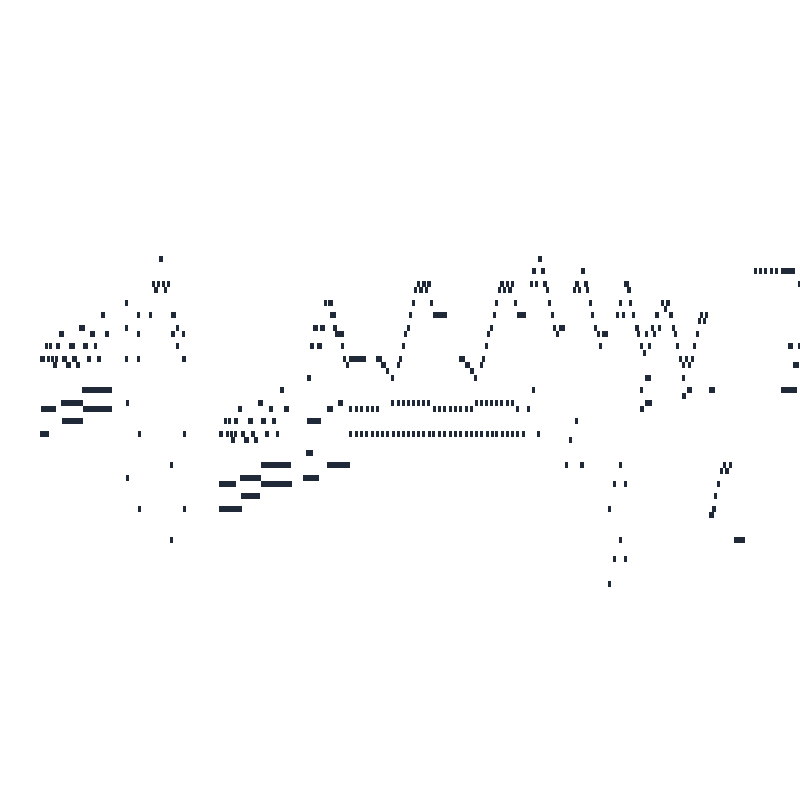
The Entertainer
Scott Joplin · Piano
MIDI · 5:04 · 3 tracks
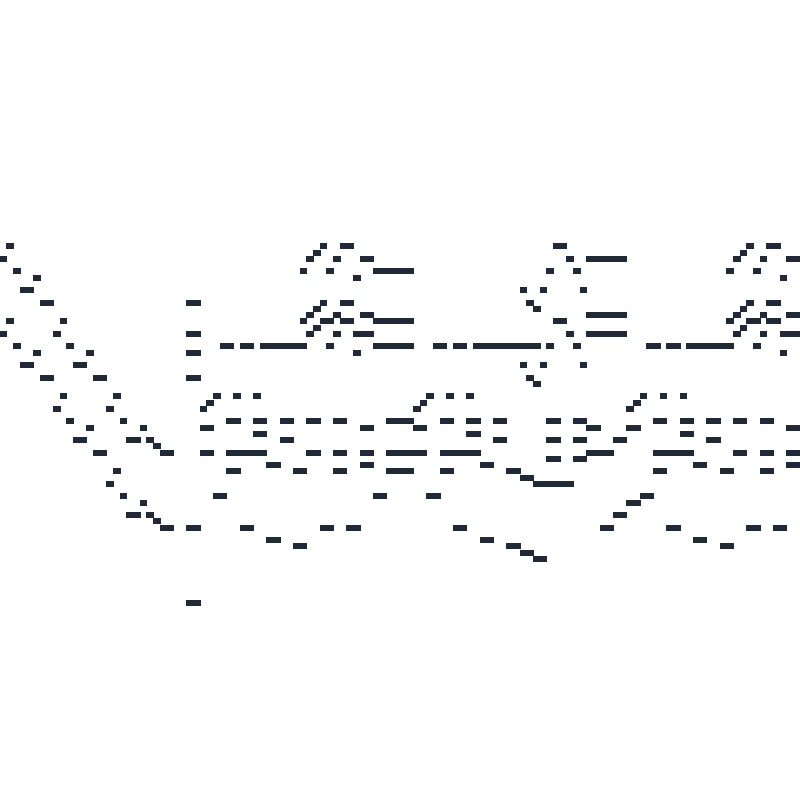
Rondo capriccioso, Op. 14
Felix Mendelssohn · Piano
MIDI · 6:06 · 1 track
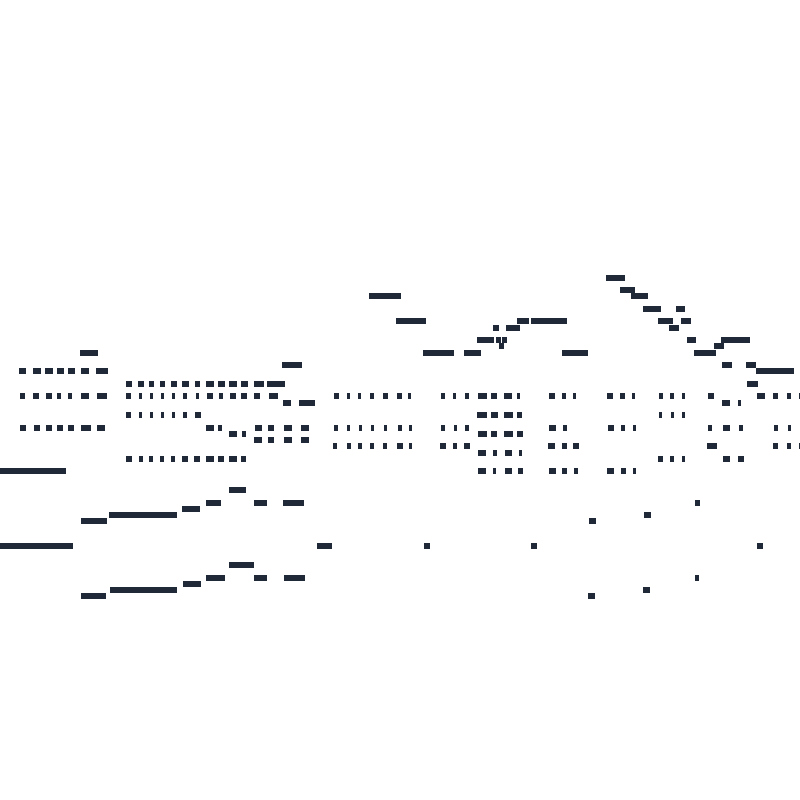
Bagatelles, Op. 126
Ludwig van Beethoven · Piano
MIDI · 18:58 · 17 tracks

How to Play a MIDI File Online
Three steps, no manual — from file to music in under a minute.
Step 1 — Drop your .mid file
Drag a .mid or .midi file into the player, or click to browse your device. It loads instantly and never leaves your browser. Files up to 5 MB are accepted.
Step 2 — Press play
Hit play and hear your file through the browser synth. No file handy? Tap a demo track above. Each demo is a real MIDI file — a Mozart sonata, Joplin's Entertainer, a Mendelssohn rondo, and six Beethoven bagatelles.
Step 3 — Adjust and enjoy
Slow the tempo, loop a section, or mute tracks to isolate the part you care about — everything happens live in the page.
What This MIDI Player Does
Every player claims to play MIDI. Here's what this midi player online actually does — in your browser, with your files staying yours.
Tempo, loop, and track control
Slow a passage to half speed, loop a chorus, or mute tracks to isolate the part you care about. Set loop points around any passage — a chorus to learn, four bars to drill.
Plays anywhere, installs nothing
Runs entirely in your browser — desktop, tablet, or phone. No download, no plug-ins, no admin rights. Your .mid never touches a server — on a Chromebook, an office laptop, or a phone, it just plays.
Try it with a built-in demo
Tap a demo track — the player loads instantly, no file needed. Press play and explore the controls.
Your files never leave your device
Playback happens entirely in your browser — your MIDI is not uploaded, stored, or shared. Close the tab and it's gone from our side, because it was never on our side to begin with. No account is needed to play a demo or an uploaded file.
Practice with slowdown and looping
Learning a piece? Drop the tempo without changing pitch, loop the hard bars, and build speed gradually. Your practice loop stays in the page as long as you need it.
Ready to Hear Your MIDI?
Drop in a .mid file and press play — free to use, no sign-up.
Every demo track in this midi player online is a real MIDI file — tap one and hear it through the browser synth.
MIDI Player Online FAQ
Questions players actually ask before pressing play — answered straight, no marketing fluff.
What is a MIDI file?
A MIDI file is a set of instructions for making music — which notes, when, how loud — rather than a recording of sound. Think of it as digital sheet music your devices can perform. This midi player online reads those instructions and plays them through instrument sounds in your browser.
Can I play a MIDI file online for free?
Free and unlimited — play as many MIDI files as you want. No sign-up, no caps, no catch.
How do I open a MIDI file online without software?
Use the player at the top of this page: drag your .mid file in, or tap to browse. Because this midi player online runs in the browser, there's nothing to download — it works on Chromebooks, office laptops, and phones alike.
Can I change the instrument sound (SoundFont)?
This player currently uses a basic browser synth. SoundFont uploads and a SoundFont library are not included.
Can you convert an MP3 to MIDI?
Not on this page — a player plays MIDI; it doesn't create it from audio. But you can: try our mp3 to midi converter, which transcribes audio into an editable MIDI file you can then play, edit, or study right here.
Does the MIDI player work on mobile devices?
Yes. The player runs in any modern mobile browser — Safari, Chrome, or Edge on your phone or tablet. Just tap the upload area and pick a .mid file from your device.
Is my MIDI file uploaded anywhere?
No. Playback happens entirely in your browser — your file is not uploaded, stored, or shared. Close the tab and it's gone from our side, because it was never on our side to begin with.
Can I export the audio or use the MIDI with my DAW?
The player is for listening, not exporting. To work with the notes, open the original .mid file in any DAW — Ableton, FL Studio, Logic — or our online MIDI editor. MIDI is universal, so the file opens everywhere.
Can I try it with a sample file first?
Yes — tap any of the four demo tracks above and the MIDI loads straight into the player. They are real MIDI files: a Mozart piano sonata, Joplin's Entertainer, a Mendelssohn rondo, and six Beethoven bagatelles — no upload needed. Each card shows the real duration and track count, measured from the file — what you see is what's inside.
Is there a limit on how much I can play?
No. Playback is free and unlimited, for demo tracks and your own MIDI files. There is no daily cap or sign-up requirement.
What is a SoundFont (.sf2 file)?
A SoundFont is a bank of recorded instrument sounds that a MIDI player can use to perform note data. This player currently uses a basic browser synth and does not load .sf2 files.
Can I slow down a song to practice a difficult part?
Yes. Adjust the tempo slider below normal speed without changing pitch, and the notes stay in tune while time stretches. Pair it with looping to drill the hard bars until they're clean.
Can I loop a section of the song?
Yes — set loop points around any passage and it repeats until you stop it. Loop a chorus to learn it, or loop four bars to practice a fill.
Which browsers and devices are supported?
Any modern browser with Web Audio: Chrome, Edge, Firefox, and Safari on desktop, tablet, and phone. Because this midi player online is browser-based, it works on locked-down machines like Chromebooks and office laptops.
Why does the same MIDI sound different here than in my DAW?
A MIDI file carries no sound of its own — only note instructions. What you hear depends on the instrument sounds playing them. This page uses a browser synth; other players and DAWs can use different instruments.
Can I mute or solo individual tracks?
Multi-track MIDI files show their tracks separately in the player. You can mute individual tracks, such as muting the piano to play along on your own keys. This player does not currently have a solo control.
Do I need an account to play the demo tracks?
No — this midi player online plays all four demo tracks without an account. Playback is free and unlimited for demos and uploaded files.
Can I use this MIDI player offline?
After the page has loaded, playback of a MIDI file runs in the browser without sending the file to a server. Demo MIDI files need to be downloaded before they are available offline.
Does it accept .midi files as well as .mid?
Yes — .mid and .midi are the same format with different extensions. Drop either one into the player.
What do Type 0 and Type 1 mean on the demo cards?
Type 0 packs every note into a single track; Type 1 keeps parts on separate tracks you can mute individually. Both play identically — the difference only matters when you start isolating parts.
Continue Your Workflow
Heard something you like? Keep working — your MIDI opens directly in these tools.
MIDI Visualizer
Watch the notes fall on a virtual piano as your file plays.
Online MIDI Player
The no-install sibling: open a link and play on any device.
MIDI Editor
Fix wrong notes in a piano roll before you listen.
MP3 to MIDI
Turn audio recordings into MIDI you can play here.
Midivisualizer
Render your MIDI as a shareable video.
Piano Visualizer
Slow down and practice along with falling notes.